21genX: Curated Chronicles
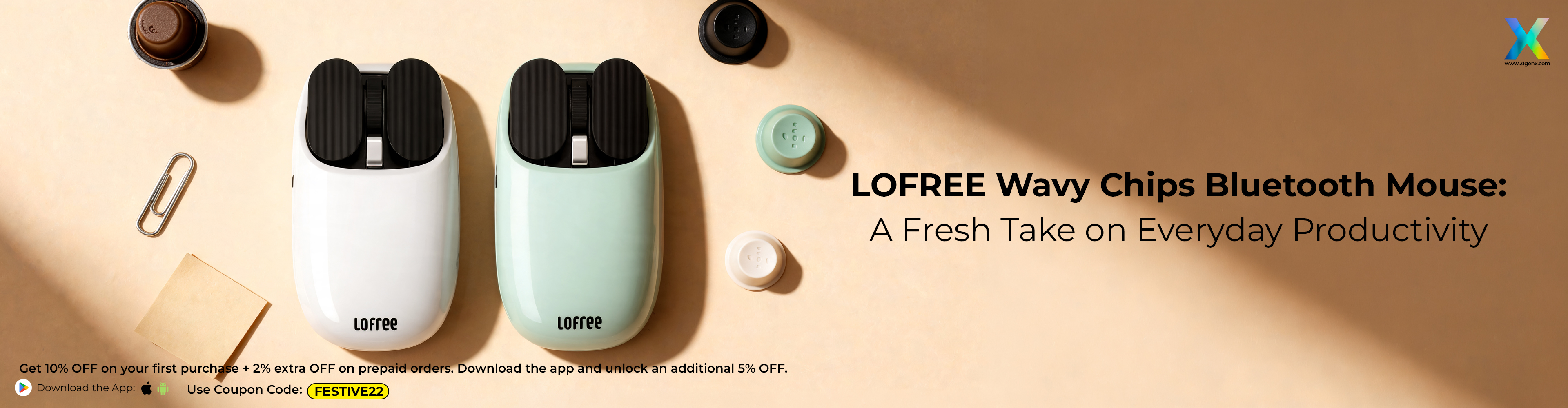
LOFREE Wavy Chips Bluetooth Mouse: A Fresh Take on Everyday Productivity
A computer mouse is one of the most-used accessories in any workspace. Whether you are working on documents, browsing the internet, managing creative projects, or attending online meetings, the right mouse can make everyday computer use more comfortable and enjoyable. While functionality matters, design and tactile feedback can also shape your overall experience. The LOFREE Wavy Chips Bluetooth Mouse brings a distinctive design approach to an everyday computer accessory. Designed for users who value thoughtful aesthetics and a satisfying click, this mouse pairs a stylish look with the convenience of wireless connectivity.
Available in Blue and White, the LOFREE Wavy Chips mouse offers options for different desk setups and personal preferences. Its defining feature is the crisp click feel highlighted in its product description, making everyday computer interactions more engaging. For anyone exploring the LOFREE Wavy Chips mouse in India, this product offers an interesting alternative to conventional computer mice. It combines everyday functionality with a design-led approach that suits modern workspaces, home offices, and personal desks.
LOFREE Wavy Chips Bluetooth Mouse Overview
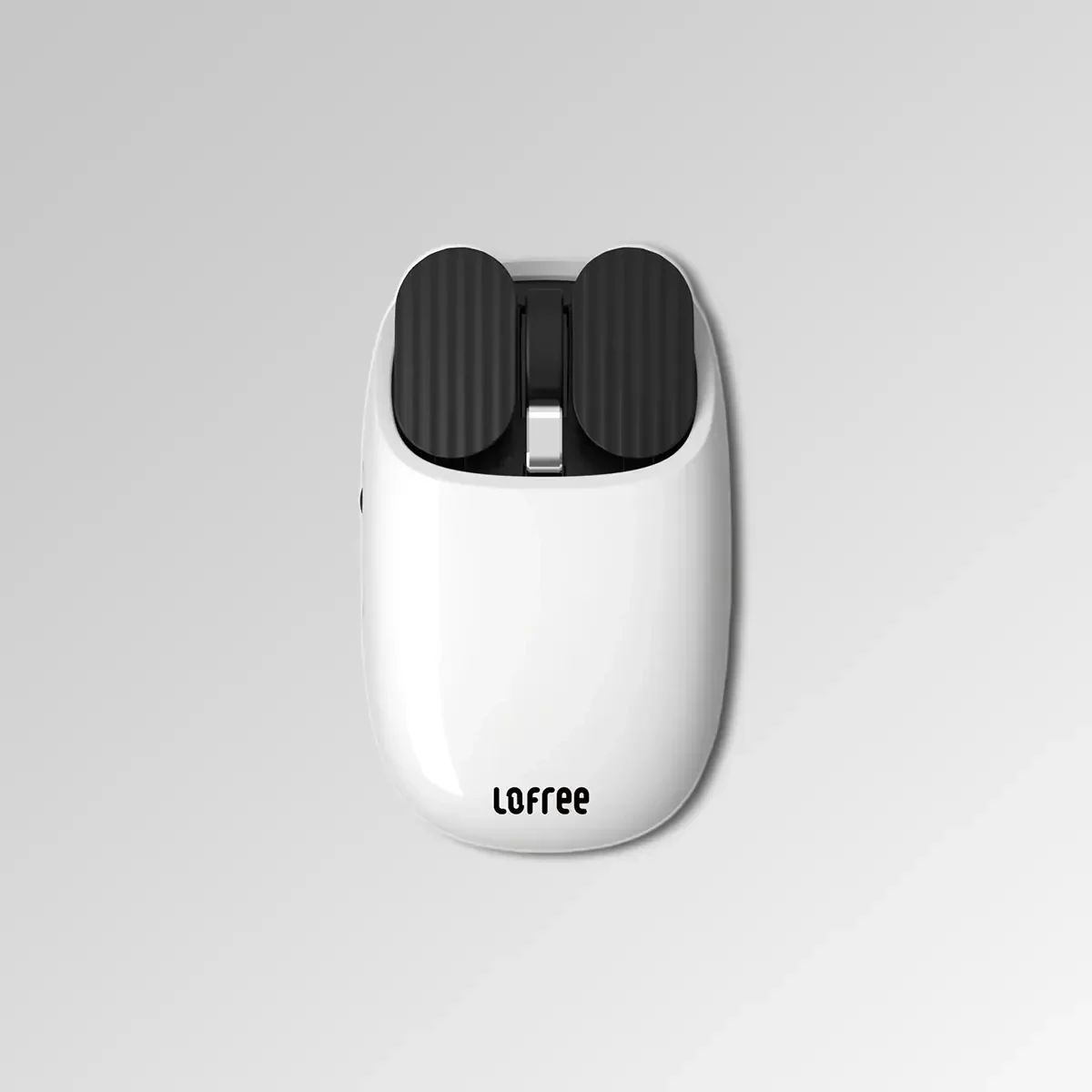
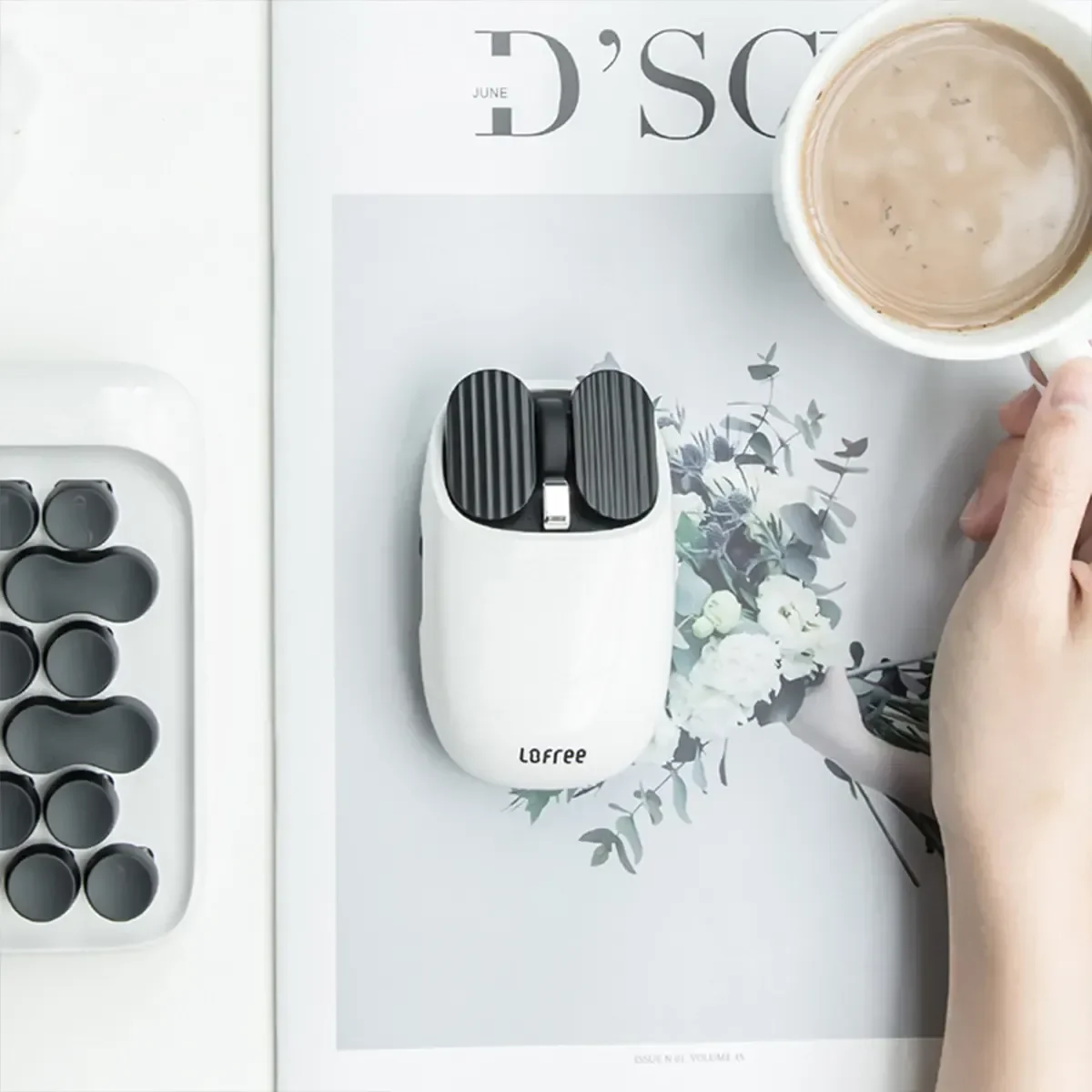
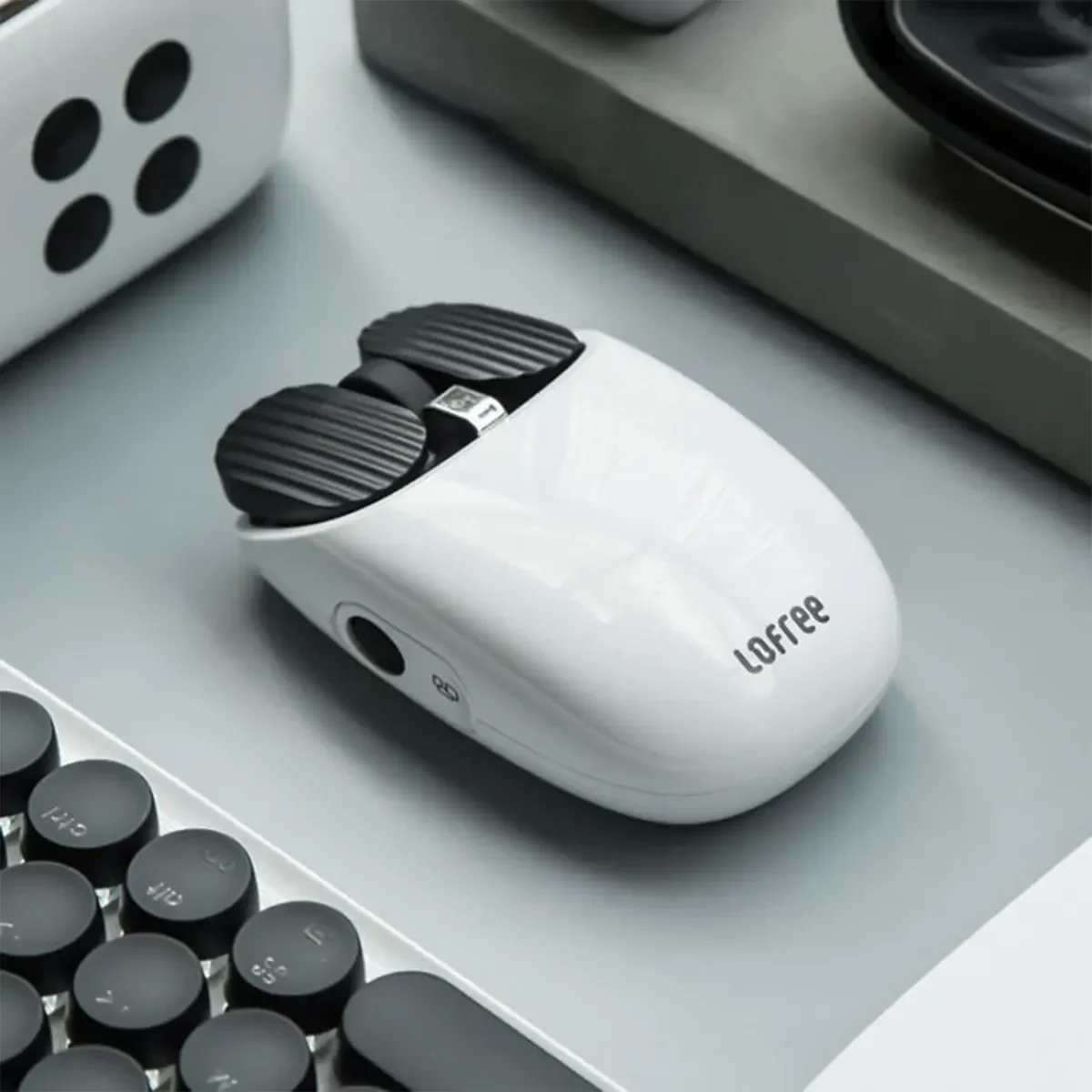
The LOFREE Wavy Chips Bluetooth Mouse - white is designed for users who want their everyday technology accessories to complement their personal style. Instead of treating a mouse as just another computer peripheral, LOFREE focuses on its appearance and the tactile clicking experience.
Its Bluetooth connectivity makes it ideal for users who want a wireless mouse for everyday computer tasks. The product is available in two colour options, Blue and White, allowing users to choose a finish that suits their workspace.
Feature ---------------------------- Details
Brand ------------------------ LOFREE
Product Name -------------------- Wavy Chips Bluetooth Mouse
Product Type ------------------ Wireless computer mouse
Connectivity ----------------------- Bluetooth
Available Colors ---------------------- Blue and White
Design Focus --------------------- Distinctive styling and crisp click feedback
Suitable For -------------------- Everyday computing, work, study, and home office setup
What Makes the LOFREE Wavy Chips Wireless Mouse Stand Out?
1. A Distinctive Design for Modern Workspaces
Computer accessories are increasingly becoming part of personal workspace design. From keyboards and desk lamps to headphones and mice, these everyday essentials can shape a desk's overall look. The LOFREE Wavy Chips wireless mouse is designed for people who appreciate accessories that look different from conventional computer peripherals. Its distinctive design makes it an appealing option for users who want to add more personality to their workspace.
Whether placed on a minimalist office desk, a colourful study table, or a carefully arranged home workstation, the mouse can complement a range of setups. For design-conscious users, choosing a mouse is not only about finding a device for navigation. It is also about choosing an accessory that fits their work environment and personal preferences.
2. Crisp Click Feedback for Everyday Tasks
One defining aspect of the LOFREE Wavy Chips Bluetooth Mouse is its focus on the clicking experience. According to the product description, the mouse is designed to deliver a crisper feel with each click. This detail matters because clicking is essential to almost every computer interaction. From opening applications and selecting files to editing documents and navigating websites, users rely on mouse buttons throughout the day.
A satisfying click can make these repeated interactions feel more engaging. For people who spend considerable time working at a computer, tactile feedback can also be an important consideration when choosing accessories. The Wavy Chips mouse places this experience at the centre of its appeal, making it worth considering for users who want something beyond a basic, purely functional mouse.
3. Bluetooth Connectivity for a Wireless Setup
A clean workspace often starts with fewer cables. A wireless mouse can help create a more organised desk by eliminating the need for a permanently connected mouse cable. The LOFREE Wavy Chips Bluetooth Mouse is designed for users who prefer wireless computer accessories. Bluetooth connectivity is particularly useful for compatible devices, helping users maintain a more flexible workspace.
This can be especially helpful at a home office desk, a compact table, or when moving between work areas. Before purchasing, check the compatibility requirements on the product page to ensure the mouse supports your device and operating system.
4. Two Colour Options to Match Your Style
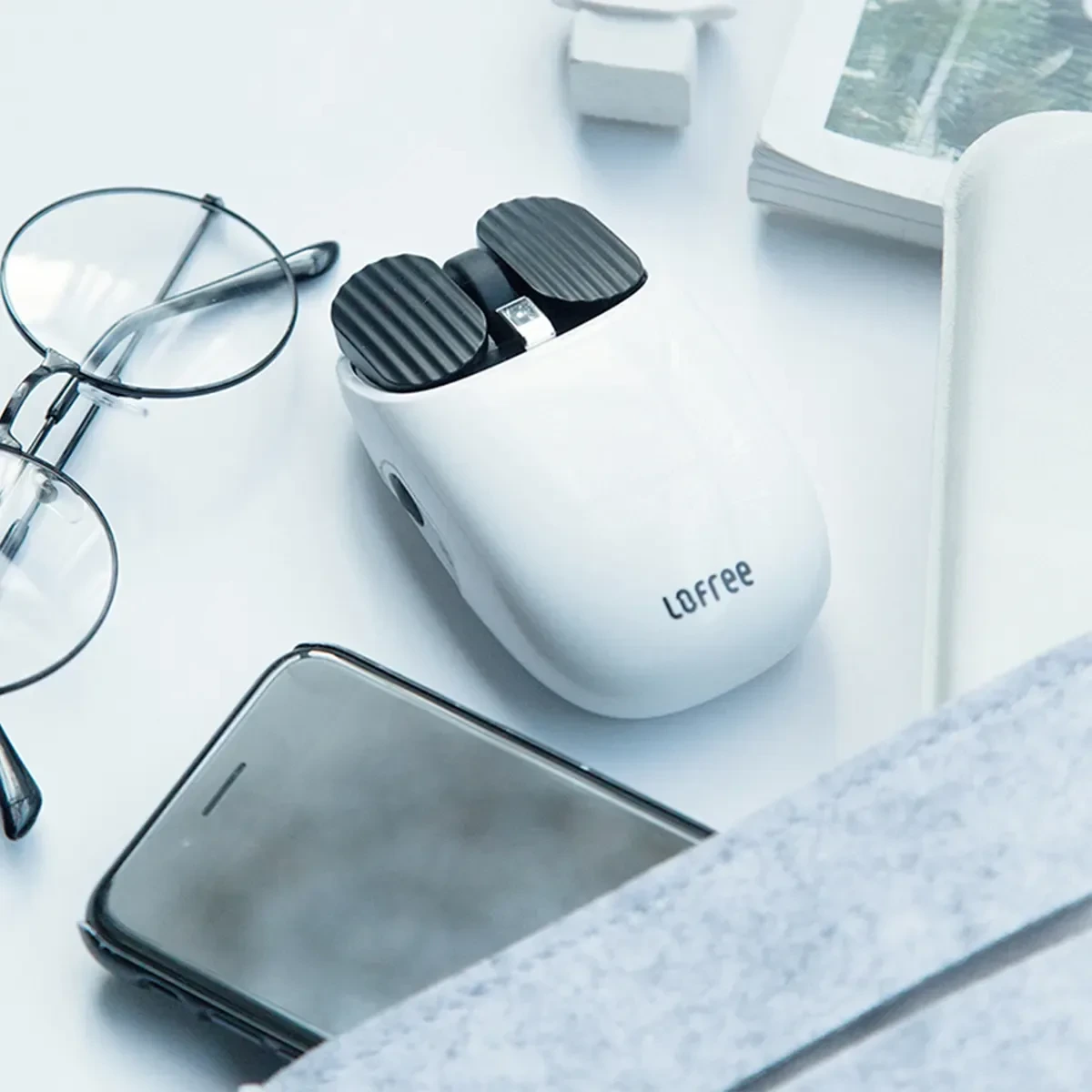
The LOFREE Wavy Chips mouse is available in Blue and White. These options provide a simple way to coordinate the mouse with other desk accessories or choose a colour that reflects your personal taste.
Blue:
The Blue variant is a suitable choice for users who want to introduce a more noticeable colour accent into their workspace. It can complement colourful keyboards, creative desk accessories, or a coordinated setup.
White:
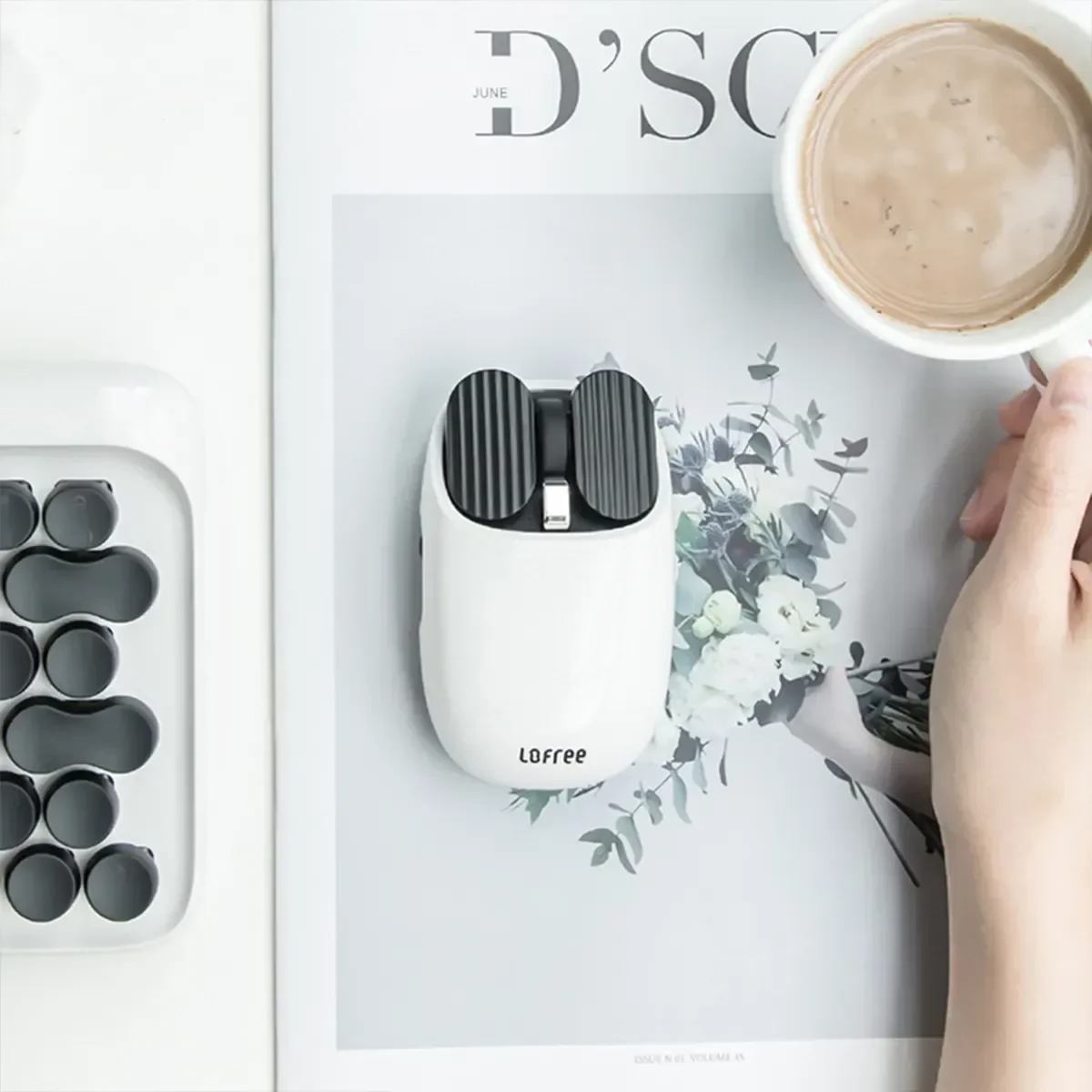
The White variant suits users who prefer a clean, understated look. It can work well with minimalist desks, neutral colour palettes, and white or light-coloured computer accessories. Both variants share the same product identity, so the choice comes down to personal style and workspace preferences.
LOFREE Wavy Chips Bluetooth Mouse for Different Users
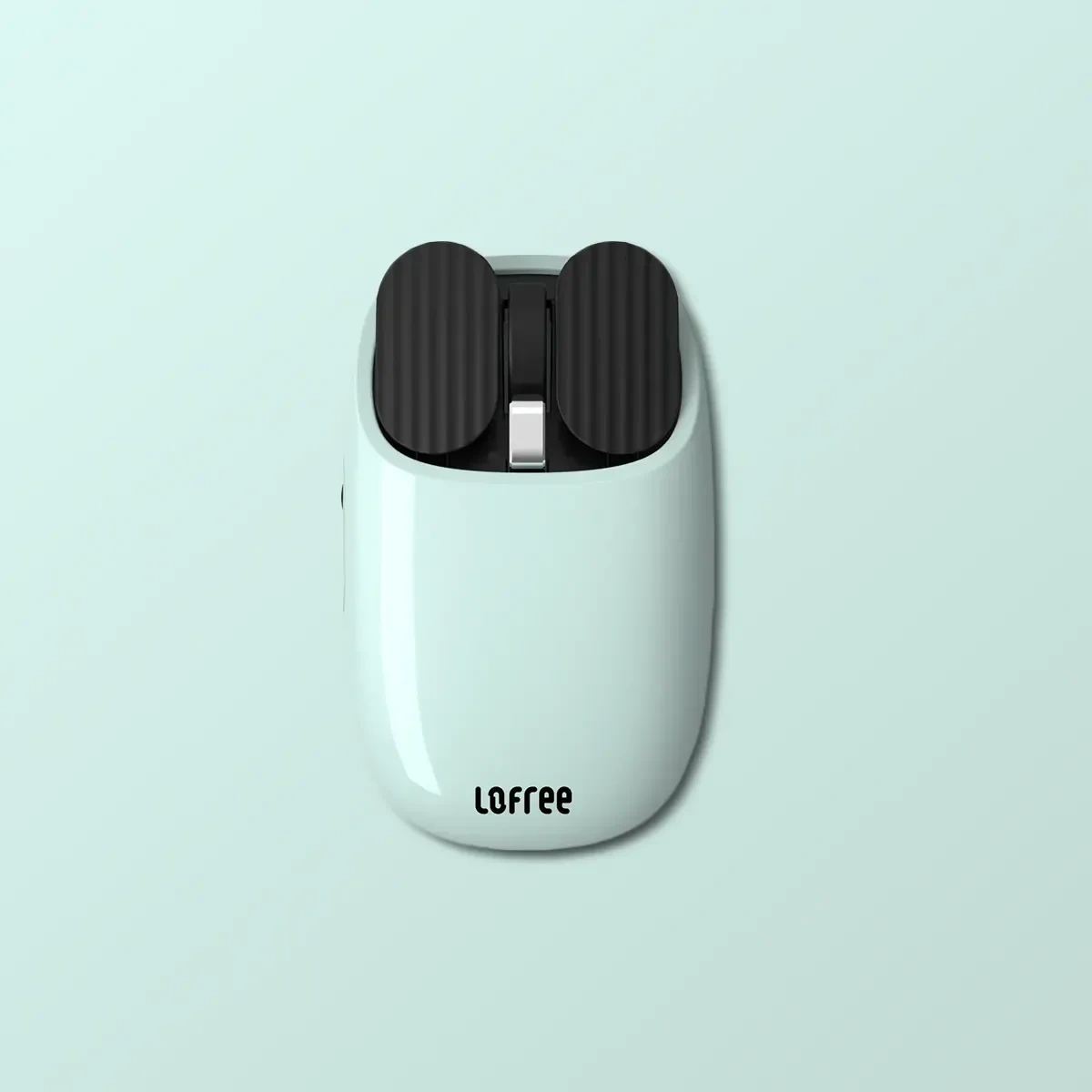
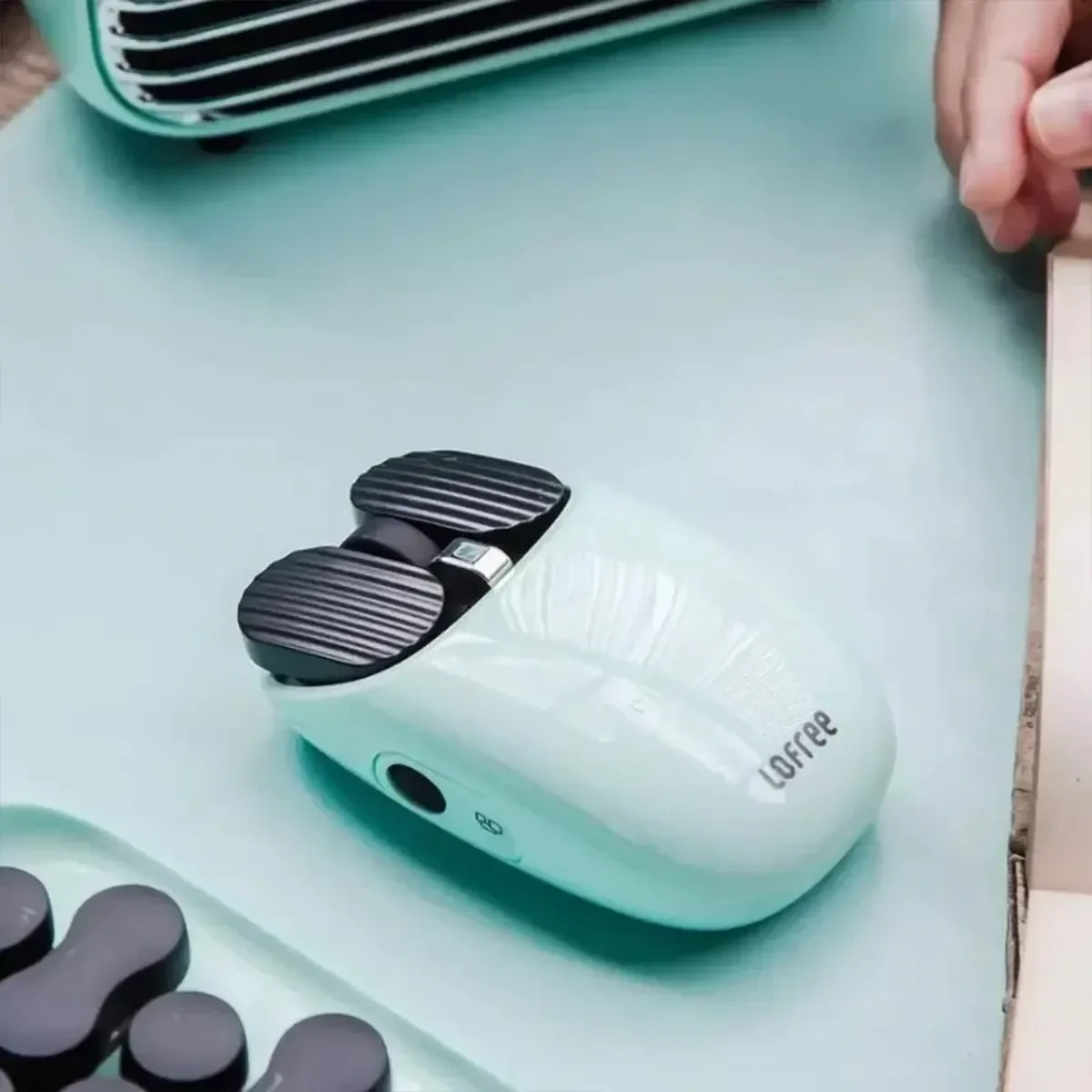
The LOFREE Wavy Chips Bluetooth Mouse - Blue can appeal to several types of users who value both everyday functionality and distinctive design.
For Professionals and Office Users
Professionals who regularly work with documents, spreadsheets, presentations, emails, and browser-based applications use their mouse all day. A wireless mouse helps keep the desk tidy, while a distinctive design adds personality to a professional setup. The Wavy Chips mouse is worth considering if you want your everyday office accessories to feel more thoughtfully chosen.
For Students
Students frequently switch between online classes, research, assignments, presentations, and entertainment. A wireless mouse can be a useful addition to a compatible laptop or desktop setup. The LOFREE Wavy Chips mouse offers an alternative to conventional designs for students who want their study accessories to reflect their personal style.
For Home Office Setups
A home workspace often serves several purposes, from professional tasks to personal projects. Choosing accessories that look good and support everyday use can help make the desk feel more organised and individual. The Wavy Chips mouse complements a home office where design, convenience, and daily functionality matter equally.
For Design-Conscious Technology Users
Some users choose computer accessories based on more than technical specifications. They look for products with distinctive styling, considered details, and a personality that matches their preferences. The LOFREE Wavy Chips Bluetooth Mouse is relevant to this audience because its appeal centres on its design and clicking experience.
LOFREE Wavy Chips Mouse Blue vs White
Choosing between the two available colours depends largely on the look you want to create.
Comparison Point --------------------- Blue -------------------- White
Overall look ------------------ Colourful and distinctive --------------------- Clean and understated
Best suited to --------------------- Desks with colour accents ---------------------- Minimalist and neutral setups
Styling preference ---------------------- A more noticeable accessory --------------------- A subtle workspace addition
Ideal choice ------------------- Users who enjoy expressive colours ------------------------ Users who prefer a simple aesthetic
Both colour options belong to the same LOFREE Wavy Chips Bluetooth Mouse range. Consider your existing keyboard, desk surface, and other accessories when choosing the version that best fits your setup.
Why Consider the LOFREE Wavy Chips Bluetooth Mouse?
When choosing a computer mouse, consider how it fits into your daily routine. The LOFREE Wavy Chips mouse offers several points worth evaluating.
Distinctive styling:
An option for users who prefer design-led computer accessories.
Crisp click experience:
Its product description highlights a satisfying tactile feel with each click.
Wireless convenience:
Bluetooth connectivity supports a less cluttered workspace when used with compatible devices.
Colour choice:
Blue and White variants allow users to select a finish that suits their desk.
Everyday versatility:
Its design makes it suitable for common computing tasks, including browsing, studying, and office work. Before you buy, consider practical factors such as hand comfort, button layout, tracking performance, operating system compatibility, and your device's connectivity requirements.
How to Choose the Right Bluetooth Mouse for Your Workspace
The best Bluetooth mouse depends on how you use your computer and what you expect from the accessory. A few considerations can help you choose more confidently.
Consider Your Daily Workload
Think about the applications and tasks you use most frequently. Basic browsing, writing, and general office work may require different features from specialist creative or gaming applications. If you spend long hours on the computer, consider the mouse's shape, button placement, and overall comfort before buying.
Check Device Compatibility
Not every mouse works with every device in the same way. Review the product specifications and confirm compatibility with your laptop, desktop, tablet, or other intended device. Also check whether your computer supports the required Bluetooth connection and whether it needs any additional setup.
Think About Your Workspace
Your workspace can influence your accessory choices. A compact desk may benefit from a wireless setup, while a coordinated workstation may call for accessories in complementary colours. The Blue and White versions of the LOFREE Wavy Chips mouse provide two styling directions without requiring you to change the rest of your setup.
Look Beyond Appearance
Design matters, but it shouldn't be the only factor. Consider the mouse's tracking capabilities, comfort, controls, battery arrangements, and any other specifications relevant to your needs. Review the current product listing for confirmed technical details before deciding whether the mouse is right for your daily use.
How to Maintain Your LOFREE Wavy Chips Wireless Mouse
Simple maintenance helps keep your mouse clean and ready for everyday use.
Clean the exterior regularly:
Use a soft, dry cloth to remove dust and everyday marks.
Avoid excess moisture:
Do not apply liquids directly to the mouse or allow moisture to enter its openings.
Keep the tracking surface clean:
Dust and debris around the sensor area can interfere with tracking.
Store it carefully:
Avoid placing heavy objects on the mouse or storing it where it could be damaged.
Follow the manufacturer's instructions:
Use the recommended charging or battery procedures for your exact model.
These simple habits can help preserve your mouse's appearance and usability over time.
FAQ
Q. What is the LOFREE Wavy Chips Bluetooth Mouse?
A. The LOFREE Wavy Chips Bluetooth Mouse is a wireless computer mouse designed around distinctive styling and a crisp clicking experience. It's for users who want an everyday computer accessory with a more distinctive look.
Q. Is the LOFREE Wavy Chips mouse available in India?
A. You can explore the LOFREE Wavy Chips Bluetooth Mouse through its product listing on 21GenX. Check the listing for current availability and the options offered.
Q. What colours are available for the LOFREE Wavy Chips mouse?
A. The mouse is available in Blue and White, so users can choose based on their workspace design and personal preferences.
Q. Does the LOFREE Wavy Chips mouse support Bluetooth connectivity?
A. Yes, the product is described as a Bluetooth mouse. Check the official product specifications for device compatibility and any additional connectivity details.
Q. What is distinctive about the LOFREE Wavy Chips wireless mouse?
A. Its key highlights are its distinctive design and the crisp click feedback emphasised in the product description. It is intended for users who appreciate both appearance and the feel of everyday computer interactions.
Q. Who should consider buying the LOFREE Wavy Chips Bluetooth Mouse?
A. It may suit professionals, students, home office users, and design-conscious tech enthusiasts who want a wireless mouse with distinctive styling.
Q. How should I choose between the Blue and White variants?
A. Choose Blue if you want a more noticeable colour accent, or White if you prefer a cleaner, more understated look. Consider the colours of your desk, keyboard, and other accessories before deciding.
Q. What should I check before purchasing the LOFREE Bluetooth Mouse in India?
A. Review the current product listing for compatibility, dimensions, tracking specifications, power requirements, available variants, and other confirmed technical details. These factors will help you decide whether the mouse meets your needs.
Final Thoughts
The LOFREE Wavy Chips Bluetooth Mouse brings a design-focused perspective to an everyday computer accessory. With its distinctive styling, crisp click feedback, wireless Bluetooth positioning, and Blue and White colour options, it offers an alternative for users who want their workspace essentials to reflect their personal preferences. Whether you are updating your home office, refreshing your study desk, or looking for a wireless mouse that stands apart from conventional designs, the Wavy Chips range is worth exploring.
For users searching for the LOFREE Wavy Chips Bluetooth Mouse in India or a LOFREE Wavy Chips wireless mouse, 21GenX provides a place to discover this product alongside other distinctive technology and lifestyle accessories. Explore the LOFREE Wavy Chips Bluetooth Mouse on 21GenX and choose the colour that complements your workspace.